Pearson 4IT1 › Unit 11
Answer Blocks — the one-page cheatsheet
A memorisable block for every high-frequency answer on Paper 1. Read one section a day; read the whole page the night before the exam.
• all 100 marks of Paper 1 • Unit 11 of 11
1. Read this first: four rules that run the whole paper
An answer block is the exact wording examiners say they accept, in the length they pay for. Not a paragraph to understand — a shape to memorise. The blocks below are ranked by popularity across the last 15 papers; the biggest mark pools are first.
- One mark, one point. Two items means two discrete answers. “LAN” and “WLAN” count as one answer. Two sentences about the same idea count as one answer.
- Two marks = claim + reason. Most 2-mark questions are one point with two halves. Write the word because or so that in the middle.
- Qualify every comparative. Never “faster” — write “faster read-write speeds”. Never “cheaper” — write “lower cost per gigabyte”.
- Answer the person the question names. Employer, not employee. Company, not customer. Society, not you.
State two ways that devices can be identified on a local area network (LAN).
- “Identified” — the examiner wants the names of the two addressing systems a device has.
- One address belongs to the device’s hardware; the other belongs to the network it is connected to.
- Say: Media Access Control address and Internet Protocol address.
2. Internet Protocol (IP) address (1)
1. “State two types of network.” A student writes: “LAN” and “WLAN”. What does the examiner see?
A wireless LAN is a LAN. Two answers must come from two discrete points.
2. “Explain why a router is used in a network.” A student writes one sentence about what a router does. What is missing?
Explain = claim + because/so that. One sentence is one half of the mark.
3. Which comparative is rewardable as written?
Examiners reject bare “faster” and “better”. Qualify the comparative — say faster at what.
2. Answer shapes: the command words
The first word of the question decides the shape of the answer. Get the shape right and the content you already know starts paying.
| The question starts… | The shape you write |
|---|---|
| State / Give / Name | One precise item per mark. No expansion needed — and no vague one-word answer. |
| Describe | What it is and what happens, in order. Do not drift into benefits. |
| Explain | Claim + reason. The word because or so that must appear. |
| Give one other … | A point discrete from the example already in the question. A synonym of the example counts as a repeat. |
| Discuss | A range of points, each supported, linked to the named person. A conclusion is not always required. |
| Justify | A sustained case for the statement, evidence point by point. Counter-arguments are not required . |
Explain two benefits of using a wired network rather than a wireless network.
- Two benefits = two blocks. Each block is claim + reason, so each earns 2 marks.
- Keep the comparison honest: a wired benefit is about speed, security, reliability — for the wired cable, not for the user’s feelings.
- Say: “more secure because the data travels through cables, so an attacker cannot pick it up from the air”, and “more reliable because cables are not affected by interference from walls or other devices”.
The connection is more reliable (1) because cables are not affected by interference from walls or other devices (1).
1. “Discuss the benefits of cloud storage for a school.” How many of these are required?
“Discuss” pays for a supported range linked to the scenario. A conclusion is not always required.
2. “Justify keeping a video-sharing site.” A student spends half the answer attacking the site. Why is that a loss?
Justify = a sustained case for the statement. Named in the reports: students wrote advantages, disadvantages and a conclusion when only a defence was asked.
3. The question says “Give one <u>other</u> reason.” The example in the question is “lower cost”. Which answer counts?
“Cheaper” and “saving money” restate the example. A discrete point earns the mark.
3. Networks blocks — the biggest mark pool
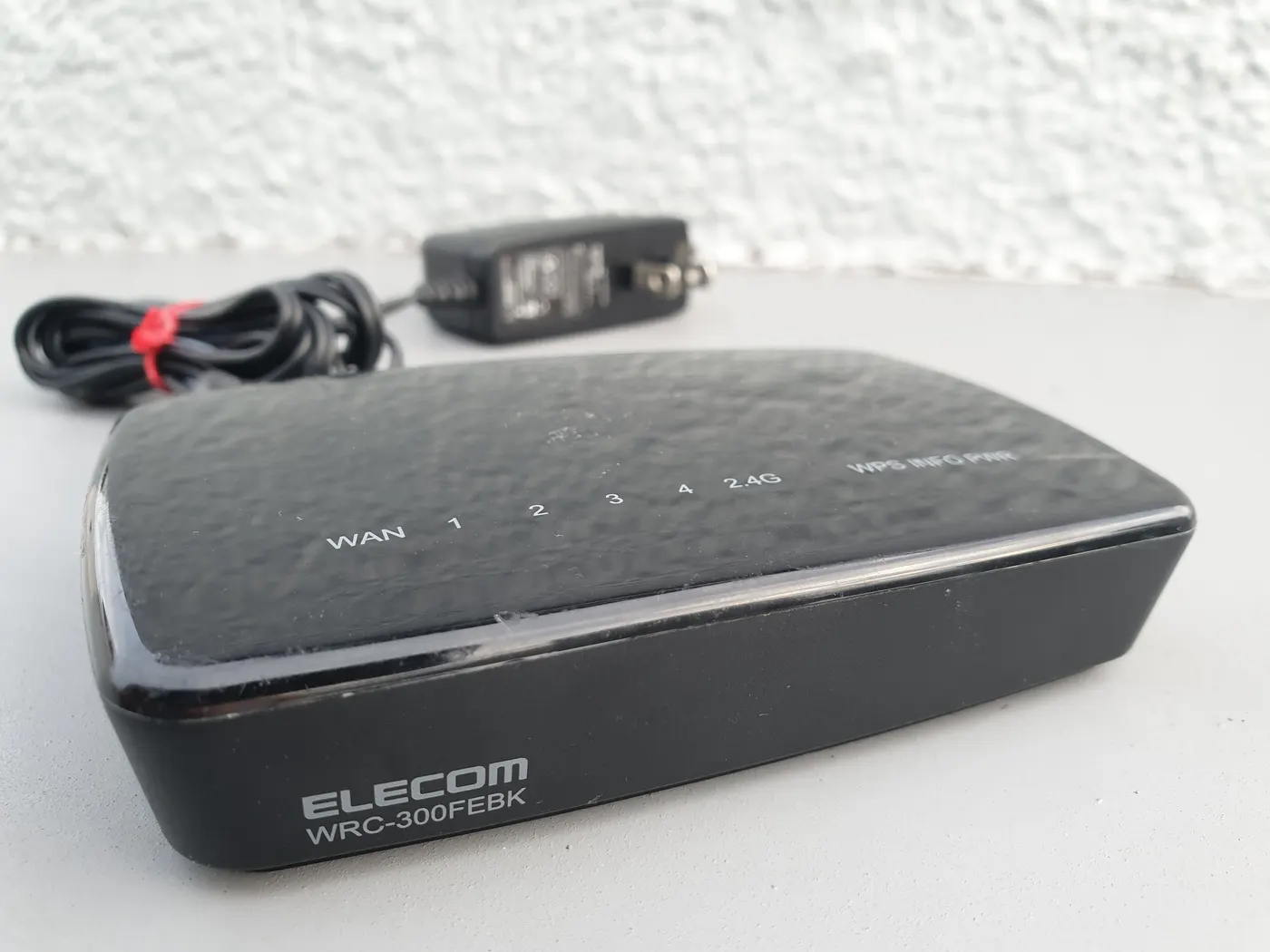
Networks carried more marks than any other topic across the 15 papers — 300 of 1,500. The blocks below cover the highest-frequency answers word for word.
| Asked | Write this block |
|---|---|
| What is bandwidth? | The maximum volume of data that can be transmitted in one second. Not “the speed of the data”. |
| What is latency? | A delay between a request and the response. Benefits are written “less lag, less buffering, less pausing” — never “high latency is good”. |
| What does a router do? | Reads the destination IP address, checks its routing table, packet-forwards the data by the quickest route. Not “shortest path” — the fastest route may not be the shortest. |
| What is a gateway? | Connects two different networks and translates data from one protocol to another. |
| Switch vs hub? | A switch sends data only to the device it is addressed to ; a hub broadcasts to all ports , which slows the network. |
| IP vs MAC address? | IP = the address of the device on the network (can change); MAC = the address of the hardware itself (fixed). MAC filtering = only devices with listed MAC addresses may join. |
| What is tethering? | The phone shares its mobile data connection (3G/4G/5G) with another device. Not “sharing the Internet”, and “hotspot” is a place, not the technology. |
| LAN vs WAN? | LAN = a network over a small geographical area / single site ; WAN = a network of networks , a collection of LANs. “Used by a large organisation” earns nothing. |
| Wired vs wireless? | Wired: faster, more secure (data cannot be picked up from the air), more reliable (no interference), removes trip hazards. Wireless: mobility. “Tidier” and “easier to set up” earn nothing. |
| Client–server: benefit? | Central management : backups, updates and accounts are done once for everyone — with the linked drawback: the server is a single point of failure . |
| Peer-to-peer: benefit? | Cheaper to set up — no server to buy — with the linked drawback: it becomes unreliable as the number of peers grows , and every peer must be switched on to share its files. |
State what is meant by bandwidth.
- The definition needs a quantity and a time. Two key words carry the mark.
- Start the sentence with “the maximum…”.
- Say: “the maximum volume of data that can be transmitted in one second.”
1. A student writes: “A router sends data by the shortest path.”
Rejected in 2024 and 2025 reports: the fastest route may not be the shortest when traffic is heavy.
2. What is being shared when a laptop uses a phone through tethering?
“Hotspot” is an area providing connectivity, not the technology. Name the mobile data connection and its generation.
3. “The network is faster,” a student writes about a wired network.
Qualify it: faster transfer speeds / greater bandwidth. Bare “faster” is on the rejected list.
4. Hardware blocks: memory, storage, units
| Asked | Write this block |
|---|---|
| RAM | Volatile — contents are lost when power is off. More RAM = more applications open at once. RAM is the processor’s working memory. |
| ROM | Non-volatile / permanent — cannot be edited, and it holds the start-up instructions . Photos never live in ROM. |
| Virtual memory | Part of the storage drive used as overflow when RAM fills . More RAM means less reliance on virtual memory. |
| CPU clock speed | The number of instructions executed per second (cycles per second). “More programs can be opened” is RAM, not clock speed. |
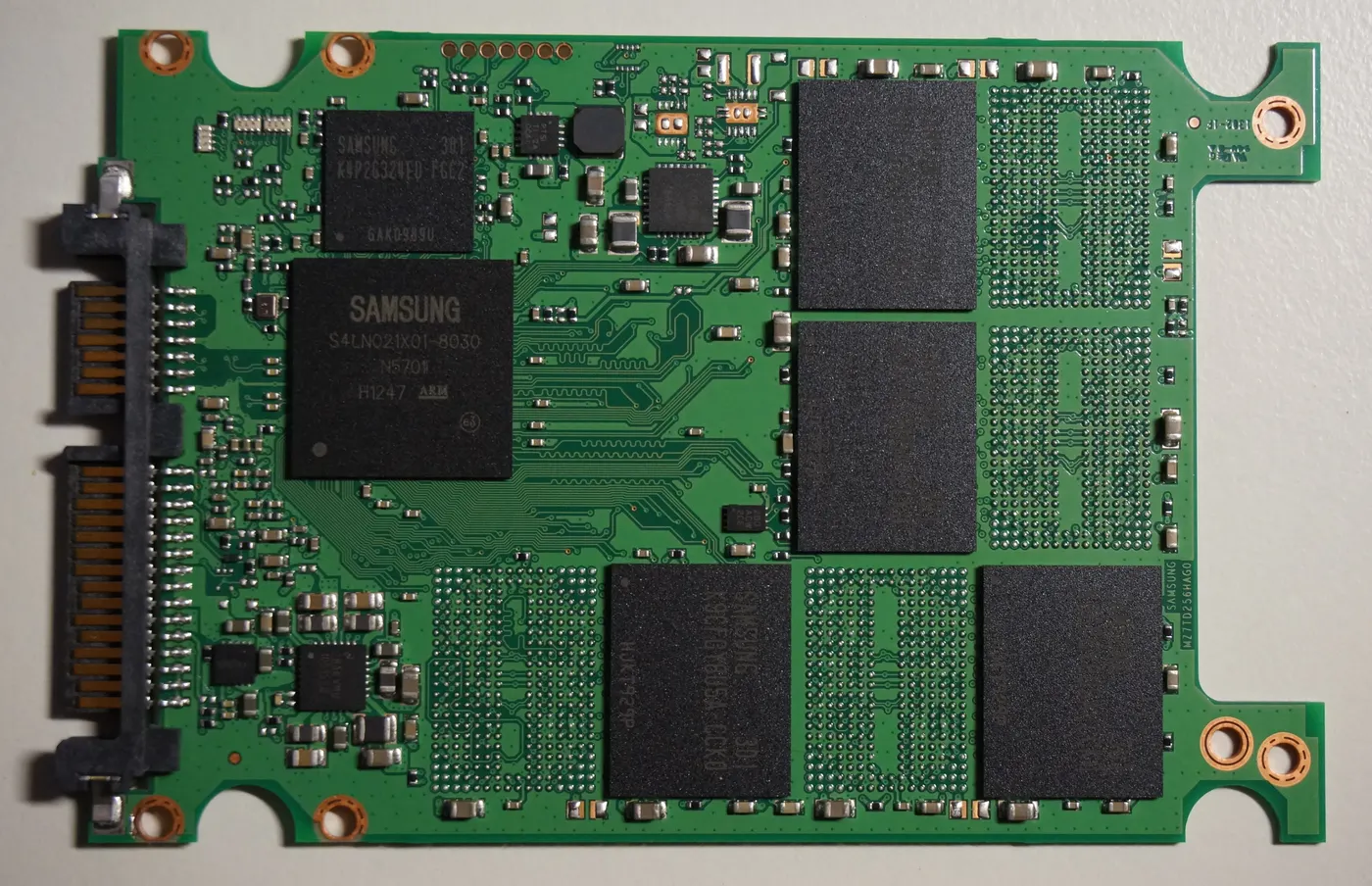
| Choosing an SSD over an HDD | SSD: no moving parts , so it is more durable and safe to carry; faster read-write speeds; lighter. HDD: larger capacity and lower cost per gigabyte. SSD is more expensive per gigabyte. |
| Solid state, magnetic, optical | Solid state = SSD, memory card (uses electrical charges); magnetic = hard disk drive (HDD); optical = CD/DVD, slower, lower capacity, less robust. Write “USB drive ” — “USB” alone earns nothing. |
| Embedded system | A dedicated, single-task system inside another device , with custom built-in software — e.g. the controller in a washing machine. An example alone earns nothing. |
| Convergence | Devices merging several functions into one — a phone combines camera, player, console. The word is convergence , not “multifunctional”. |
| The units ladder | 1 byte = 8 bits (b = bit, B = byte). 1 KiB = 1024 bytes → 1 MiB = 1024 KiB → 1 GiB = 1024 MiB. Always 1024, never 1000. |
Joe’s computer has 8 GiB of RAM. Each recording uses 300 MiB of RAM. Construct an expression to show how many recordings can be stored in RAM at once.
- Same units first — the recording is in MiB, the RAM is in GiB. The gap between them is 1024 .
- Convert, then divide: GiB → MiB is ×1024; “how many recordings” is the division by 300.
- Write one line: 8 × 1024 ÷ 300.
(the answer, 27 recordings, is worth 1 mark on its own)
1. “A camera stores its start-up instructions in its SD card.”
Named in a report as a common wrong answer: the SD card is storage; the start-up instructions are in ROM.
2. 1 MiB is…
The ladder is 1024 twice. 1000 is the 2019-only concession the examiners said will not return.
3. Which one is NOT an accepted solid-state benefit?
“More/large space/capacity/memory” is a named rejection for SSD. No moving parts and portable are both accepted.
5. Society blocks: perspective decides the mark

Societal marks are the fastest-rising pool on the paper, and they are lost one way above all: answering about the wrong person . Every block below names whose marks you are collecting.
| Asked | Write this block |
|---|---|
| The digital divide (definition) | The gap between people who have access to ICT and connectivity and people who do not — inequality of access, not “devices”. |
| Its causes | Affordability / cost of devices, poverty, poor infrastructure in rural areas, geographical location, lack of education, age, religious or social restrictions, government policy. |
| Its impacts | Reduced access to job opportunities, learning opportunities, services (banking, healthcare) and entertainment — and social isolation. Definition, causes and impacts are three different answers; mix them and marks vanish. |
| Working from home — employee | Benefits: flexible hours, no commute, more family time. Drawbacks: isolation, distractions at home, work bleeds into evenings, harder to separate work and home . |
| Working from home — employer | Lower costs (smaller office, utilities), a wider/global workforce to recruit from . Drawbacks: harder to monitor and communicate, staff may feel isolated so retention drops. |
| Health | The 3-part block: condition + cause + prevention . Repetitive Strain Injury (RSI): wrist/hand pain (1), caused by long periods of typing with no breaks (1), prevented with an ergonomic keyboard and short breaks (1). Eye strain: from hours staring at a screen — screen breaks and correct lighting. |
| Environment — 3 stages | Running: electricity use (often from fossil fuels). Making: extraction of raw materials, finite resources. Disposing: e-waste, toxic substances leaking into the environment, landfill. “Lack of recycling” and “global warming” are the named rejections. |
| Employment and automation | “Jobs are lost because automated tools and artificial intelligence (AI) do repetitive tasks that junior staff used to do”, and “new roles appear for people who can work with the tools.” Name the mechanism. |
State two causes of unequal access to ICT.
- Causes — why people cannot get access. Not the definition, not the impacts.
- Pick the two you can write in one line each: cost and infrastructure.
- Say: “the cost of devices is unaffordable”, and “rural areas have poor infrastructure”.
2. Poor infrastructure in rural areas. (1)
1. “Explain one impact of the digital divide.” A student writes: “Because it is expensive, many villages have no broadband.”
A named rejection: weaker responses identified causes of the digital divide when impacts were asked. Impacts are jobs, learning, services, entertainment, isolation.
2. “Explain one benefit of remote working for the employer.” A student writes “she can spend more time with her children”.
The named person is the employer: costs, recruitment pool, retention. The employee’s family time earns nothing.
3. Which environment block is rewardable for <em>disposal</em> of phones?
Stage-matching: toxic substances belongs to disposal. Global warming belongs to making/running and was named as a rejection for disposal.
6. Security blocks: the words that earn marks

| Asked | Write this block |
|---|---|
| What is encryption? | It scrambles the data so it cannot be read without the key . It does not stop interception — an interceptor just gets unreadable data. “Locked” earns nothing. |
| Firewall? | Blocks unauthorised access to a network by monitoring and filtering the traffic. A firewall does not delete viruses. |
| Filter? | Blocks access to inappropriate sites and content (e.g. protecting a family from unsuitable websites). Filter ≠ firewall. |
| Malware types | Virus, worm, trojan, spyware, ransomware, adware. Phishing and pharming are attacks, not malware. |
| Phishing vs pharming? | Phishing = a fake message that tricks you into giving data. Pharming = your request is redirected to a fake site (via the Domain Name System (DNS)), so the address looks right. |
| Ransomware? | It encrypts your own files and demands payment for the key. |
| Two-factor authentication (2FA)? | Confirming identity in two ways , e.g. password + a code only your phone receives. |
| File permissions? | Read-only / read-write / executable — user rights to access files. “Password protection” and “encryption” are the named wrong answers. |
| Cookies? | They store your search and purchase history, location and preferences so the site shows personalised content and advertising. Cookies do not store passwords. |
| Data protection? | Personal data must be accurate, kept up to date, kept no longer than necessary, and collected with consent . |
| Copyright? | Legal protection for work — you need the owner’s permission to use or distribute it. |
| Acceptable Use Policy (AUP)? | The rules a user must follow (1) plus the consequences if the rules are broken (1). It does not “enforce rules” — that is moderation. |
Explain how cookies benefit users of the photograph-sharing site.
- “Benefit” — you are writing the use of cookies, not a definition of what a cookie is.
- One half is the data collected, the other half is what that data does for the user.
- Say: “…store data about photographs viewed previously, so that similar photographs are shown.”
1. Which sentence is rewardable about encryption?
“Prevents interception” and “locked” are both named as mark-losing words.
2. “Name two types of malware.” A student writes “phishing” and “pharming”.
Phishing, pharming and hacking are the named wrong answers for malware types. Virus, worm, trojan, spyware, ransomware are the types.
3. An AUP question is worth 2 marks. What are the halves?
“Implying rules” is one mark; “consequences if a user breaks a policy” is the second.
7. Internet and software blocks
| Asked | Write this block |
|---|---|
| Function of a browser? | It requests a web page from a web server and converts the HTML into the text and images you see. Explaining how a search engine works is the most common loss on this question. |
| Search engine? | It finds pages: web crawlers scan the web and results are ranked . The browser displays; the search engine finds. |
| Better search results? | Specific/descriptive keywords , in quotation marks for an exact phrase, plus + to include and − to exclude a word. “More keywords” earns nothing. |
| Evaluating a source | Four checks: reliable (who published it), current (when updated), relevant (does it answer the need), biased (who benefits). |
| What is an Internet Service Provider (ISP)? | It gives access to the internet through its network infrastructure . “Fast internet access” earns nothing. |
| Cloud — for | Access files from any device anywhere; heavy processing runs on remote servers so it reduces load on local hardware; files are backed up off-site. |
| Cloud — against | Needs an internet connection; files sit on someone else’s servers. |
| Open source vs proprietary | Open source: free (no licensing cost), can be modified, community support . Proprietary: paid licence, cannot be modified, vendor support, new/improved features . “Your files become open to others” is a named misunderstanding — that is not what open source means. |
| Hosted vs installed software | Hosted: reachable from any device, the provider updates it, no local install space needed — but it needs the internet. Installed: works offline, you control updates, uses local storage. Hosted ≠ open source. |
| Operating system roles | Runs programs, manages memory , handles input and output, provides the user interface. Memory management = keeps track of free space and gives each program the memory it needs. |
| Utilities (one line each) | Defragmentation: rearranges files into sequential order so they are read faster. Compression: makes files smaller so more fit and transfer faster. Backup: copies files so they can be recovered. |
Describe the function of a web browser.
- Describe = what it does, in halves. There are two halves to this function.
- Half one is a request — to a server. Half two is a conversion — of HTML.
- Say: “requests a page from a web server; converts the HTML into text and images.”
1. A student answers a browser question by describing web crawlers and ranked results.
“The most common response was sharing how a search engine works, not a web browser.”
2. Which keyword habit earns the mark?
Accepted: quotation marks, + / −, and specific descriptive keywords. “More keywords” was named as not improving results.
3. A student writes “open source means my files are open to hackers”.
Open source is about the software’s code, not the user’s files.
8. Mini blocks: communities & data
| Asked | Write this block |
|---|---|
| Social network ? | A platform where people build a profile and connect with friends — likes, comments, shares. The word is social network ; “social media” earns nothing. |
| Wiki? | All users can edit all the content — the editors write it together. |
| Forum? | A question-and-answer discussion in threads — posts are answered over time by members. |
| Blog? | Entries by one author in date order , with reader comments. |
| Social bookmarking? | Saving links to favourite websites, tagging and sharing them with others. |
| Virtual Learning Environment (VLE)? | Course materials in one place, communicate with teachers and students , learn at your own pace. A workspace is for collaborating on shared documents; a VLE is for learning. |
| Moderation vs AUP? | Moderation = checking content before/after posting and removing breaches. AUP = the rules plus the consequences. They pair; they are not the same. |
| Data: bits and bytes | 1 byte = 8 bits. b = bit, B = byte — “a 400 Mbps line transfers megabits; a 400 MB file is megabytes.” The ladder 1024, 1024², 1024³. Never 1000. |
| Lossy vs lossless | Lossy: quality is lost, file much smaller — good for streaming and sharing. Lossless: original data fully kept, smaller gain — good for archiving master files. |
State two other features of an online community that Viren could add to the site.
- “Other” — the features already named in the question do not count.
- Features of the community itself: profiles, groups, liking and commenting, sharing, messaging members.
- Security features like encryption are not community features.
2. Members can comment on each other’s posts.
1. “A wiki is a website where only the owner edits entries.”
“All users have edit rights to all content” is the accepted wiki answer. Owner-only editing describes a blog.
2. A 400 Mbps line and a 400 MB file measure…
Mbps counts megabits per second (line speed); MB counts megabytes (file size). One byte = 8 bits.
3. Which compression block is rewardable?
Lossy = quality lost, big size gain. Lossless keeps everything and gains less. Compression is not about safety.
9. The 8-mark block

Two 8-mark answers sit at the end of Q4 and Q5 in every paper — 16 marks, more than any unit’s whole share of some topics. The full method, with a staging area and a model answer for every essay question on the papers, lives in the 8-mark essays unit . This is the block version.
- Read the stem and ring its “points to consider”. They are the examiner’s checklist — every one you use earns.
- Stage before you write. In the boxed corner, list 4–6 points with a because-reason each. Points you invent while writing drift one-sided.
- Paragraph pattern: point → because (evidence) → link to the named person in the scenario → next point. The scenario links are marks, not decoration.
- Conclusion (when required): weigh the sides you have discussed — never a “so it is good overall” statement.
- Discuss does not always need a conclusion. Justify needs a sustained case, not both sides.
| The five things examiners read | Level-3 evidence |
|---|---|
| Content | A range of points, balanced — not five advantages |
| Evidence | Every point has a because; the evidence supports the point, it does not contradict it |
| Link to scenario | The named person appears — the stem’s facts (and only those) steer the points |
| Conclusion | Links the comparisons you made — a simple statement is Level 1 |
| Clarity | Organised, readable, points separated |
Discuss the reliability of information from online sources. (Camille’s child, Sarah, uses websites and video sharing sites for her school work.)
- Stage first: reliable sources (school sites, official/educational sites, well-known organisations) and unreliable ones (anyone can publish, social posts, advertorials, outdated pages).
- Give every point a because and a Sarah link: “a school-approved site is checked by the publisher, so Sarah can trust its facts for coursework”, “a video site comment is written by any user, so it may be opinion, not fact”.
- Weigh: reliability depends on the source, so Sarah should check who published, when updated, and whether it answers her task. The “points to consider” in the question, if any, must all appear.
1. Where do you plan the 8-mark answer?
Planning in the box is how the essays unit builds every model answer — invented-as-you-go points drift one-sided.
2. A paper’s stem says the shop “already uses video conferencing”. You write a point about buying it.
Facts in the stem override general knowledge: answers about poor connectivity in a “excellent connectivity” stem scored nothing.
3. “Justify” an 8-mark statement. Do you write drawbacks?
The named report: all 8 marks were available through a well-argued, evidenced defence of the statement.
10. New for 2026 — what the newest papers added
The May 2026 papers introduced examinables older papers barely asked. Below is each one with its 2026 mark total and the line that earns the mark. Full explanations live in Units 2, 3, 5, 6 and 8.
| New for 2026 | Marks 2026 | The line that earns it |
|---|---|---|
| Environment of online storage (impact + mitigation) | 16 | Fossil fuels → greenhouse gases; e-waste leaches toxins → mitigate: renewables, virtualisation, compression, recycling, offsets, audits |
| Payment systems (discuss) | 11 | Card / mobile / gateway / cryptocurrency with fees and adoption as drawbacks — never brand names |
| Cookies, full essay (2026-R) | 8 | Session / persistent / third-party + stored data + impacts on individuals both ways |
| Backup procedures | 4 | More than one copy, off-site, scheduled, type = full / differential / incremental |
| 3D printing | 4 | Builds a physical object one layer at a time from a digital model — prototypes, on-demand parts |
| Device drivers | 3 | Software that controls and manages a specific piece of hardware |
| Search engine skill | 2 | Keywords + operators (“quotes”, −, site:) + filters — keywords alone score zero |
| Geo-blocking | 2 | Restricting access by the user’s location — licensing, local law, censorship |
| Symmetric encryption | 1 | One shared key encrypts and decrypts — say “symmetric” |
| Phishing (risk shape) | 2 | Seems from a trusted source → tricks a click/opening → details / fake site / malware |
| Biometrics | 4 | Fingerprint / facial / voice / iris + benefit with because (unique, can’t be forgotten) |
| Repeater vs booster | 1 | A repeater regenerates the signal on the cable; a booster amplifies the wireless signal |
| Print spooling | 2 | A queue of documents waiting to print, held in order |
| Accessibility (hearing / vision) | 2 | Haptic: vibrations instead of sound, synced vibrations, sign-language support; screen reader for vision |
| System / utility software | 3 | Programs that carry out tasks for the computer system; utilities: backup, defrag |
Examiner traps in this unit
- Repeating the example given in the question earns nothing — “other” means discrete. It is the most-named loss in every report.
- “Encryption prevents interception” is on the rejected list. Write: scrambles data, unreadable without the key.
- A router takes the quickest route — “shortest path” was expressly rejected.
- Write 1024, never 1000. Write 8192, never 8000. The byte/bit pair: B and b.
- Causes, impacts and definitions of the digital divide are three separate answers. Circle the word the question uses.
- Phishing and pharming are attacks. Virus, worm, trojan, spyware, ransomware are malware. Do not mix the lists.
- Bare comparatives earn nothing: faster, cheaper, safer — qualify every one.
- The named person decides the marks: employer not employee, company not customer, society not you.
Prove it in the Dojo
Self-test this unit with 62 questions and 18 flash cards. XP, streaks and badges are saved on this device.
Start the Answer Blocks — the one-page cheatsheet quiz Flash cards